

Overview
Integrating Chatbase with viaSocket connects your AI agent to your favorite apps and tools with no code. Drag and drop to automate tasks across them. This guide walks through one complete example: receiving leads from your AI agent and automatically adding them to a Google Docs document.What you can do:
Send what your AI agent captures into any app viaSocket supports, triggered by a Chatbase webhook the moment it happens.
Before you start
- A Chatbase account with an AI agent. If you haven’t built one yet, follow Your first AI agent.
- A viaSocket account.
What you can automate
How to connect viaSocket
1
Set up a trigger in viaSocket
- Sign in to your viaSocket account.
- Click Create New Flow in the top-left corner of the viaSocket homepage.
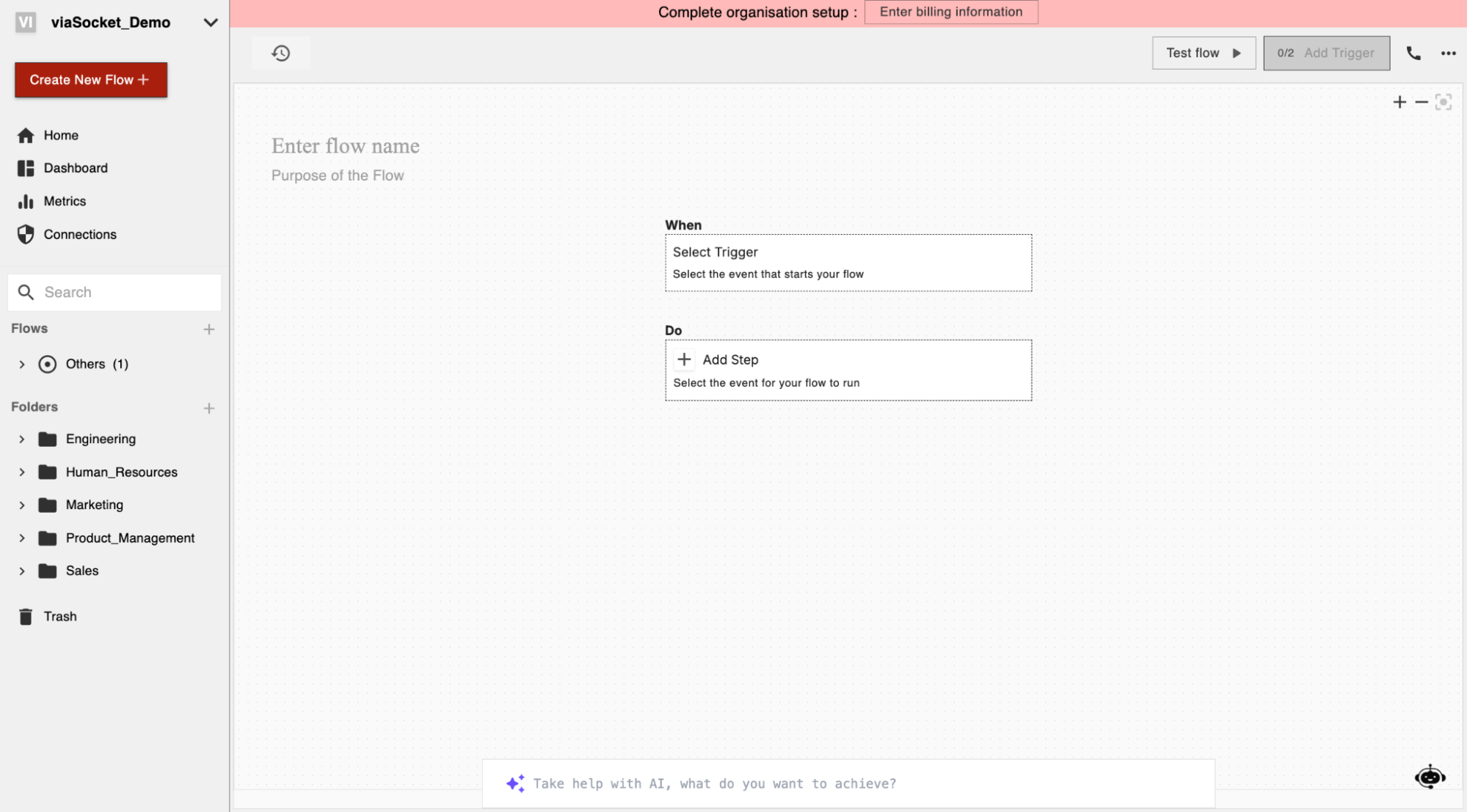
- In the Flow editor, click Select Trigger.
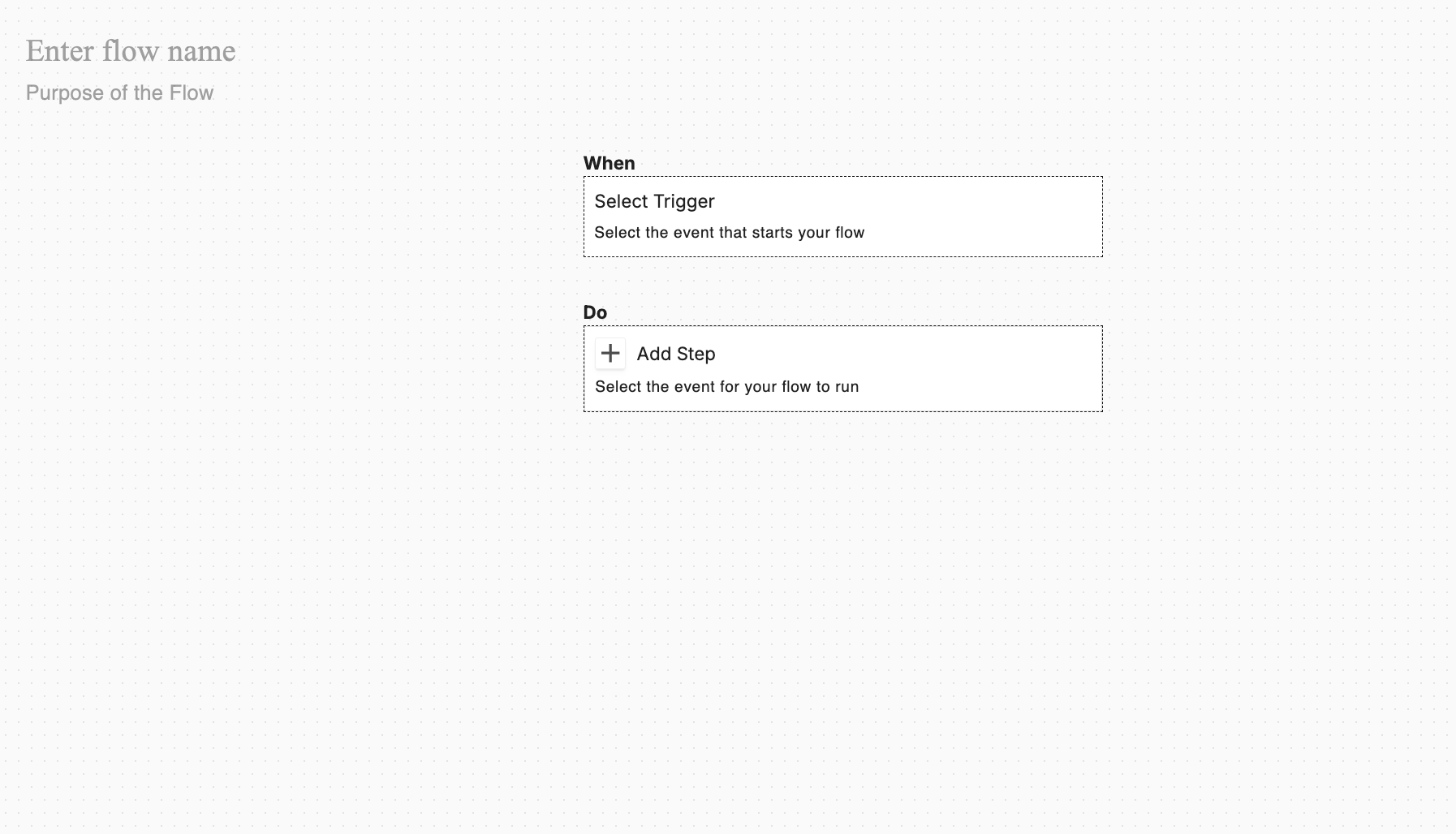
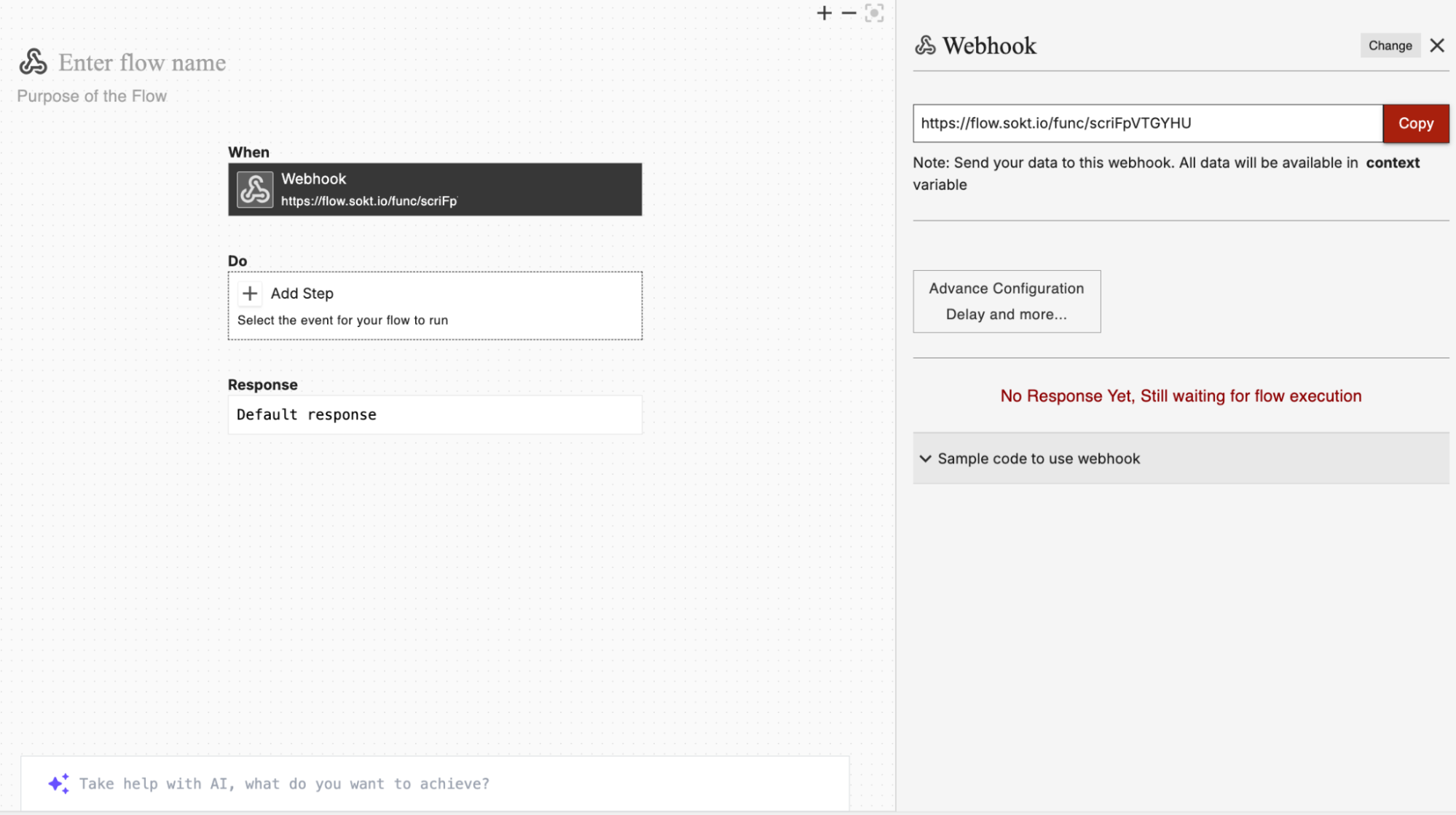
- Select Webhook as the trigger, then copy the generated Webhook URL.
2
Configure the trigger in Chatbase
- Navigate to your Chatbase dashboard.
- Click the AI agent you wish to integrate with viaSocket.
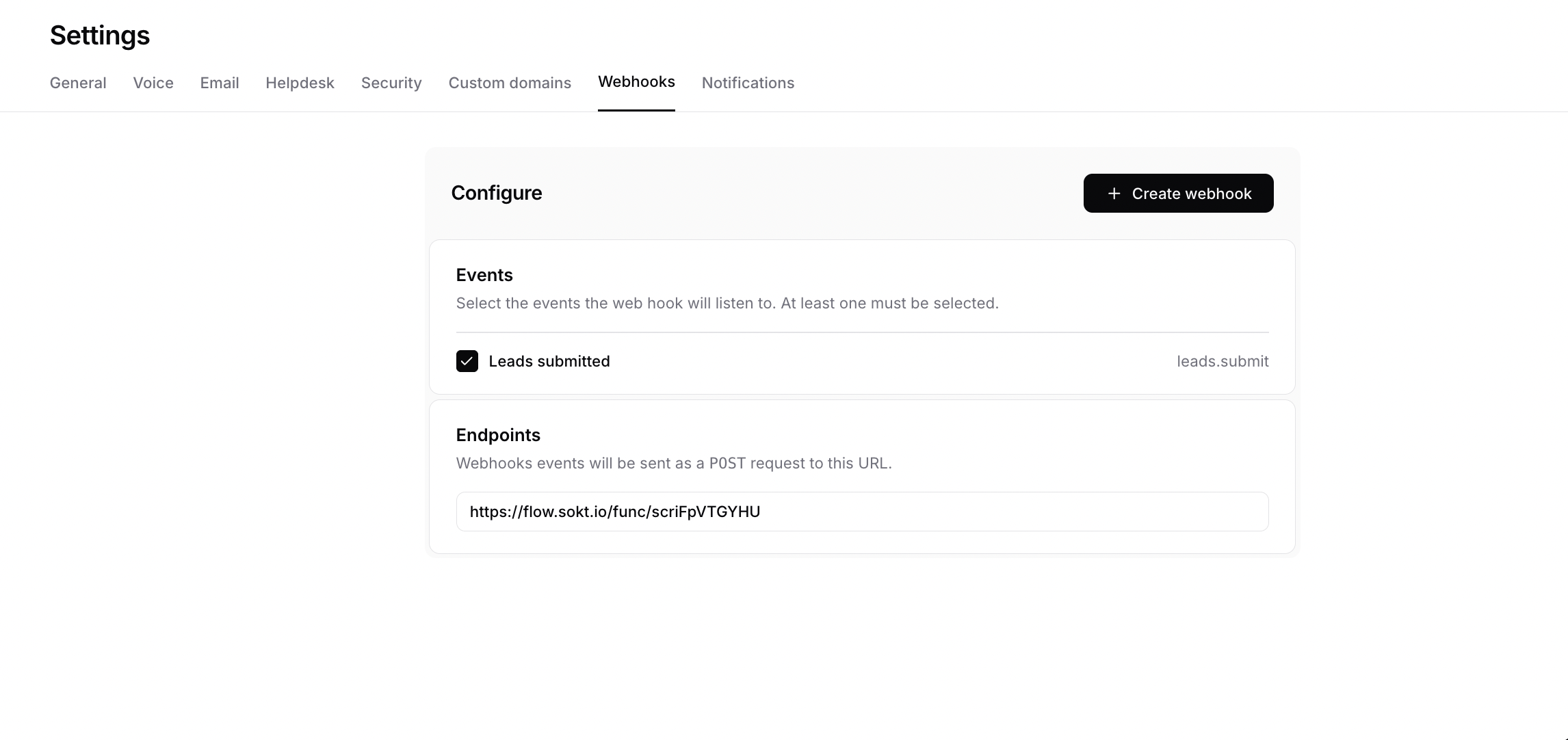
- Click Settings and select Webhooks.
- Select the events you want to trigger, paste the copied Webhook URL into the Endpoint field, then click Create Webhook.
3
Set up an action to automate tasks
- Go back to the viaSocket Flow Builder and click Select Action.
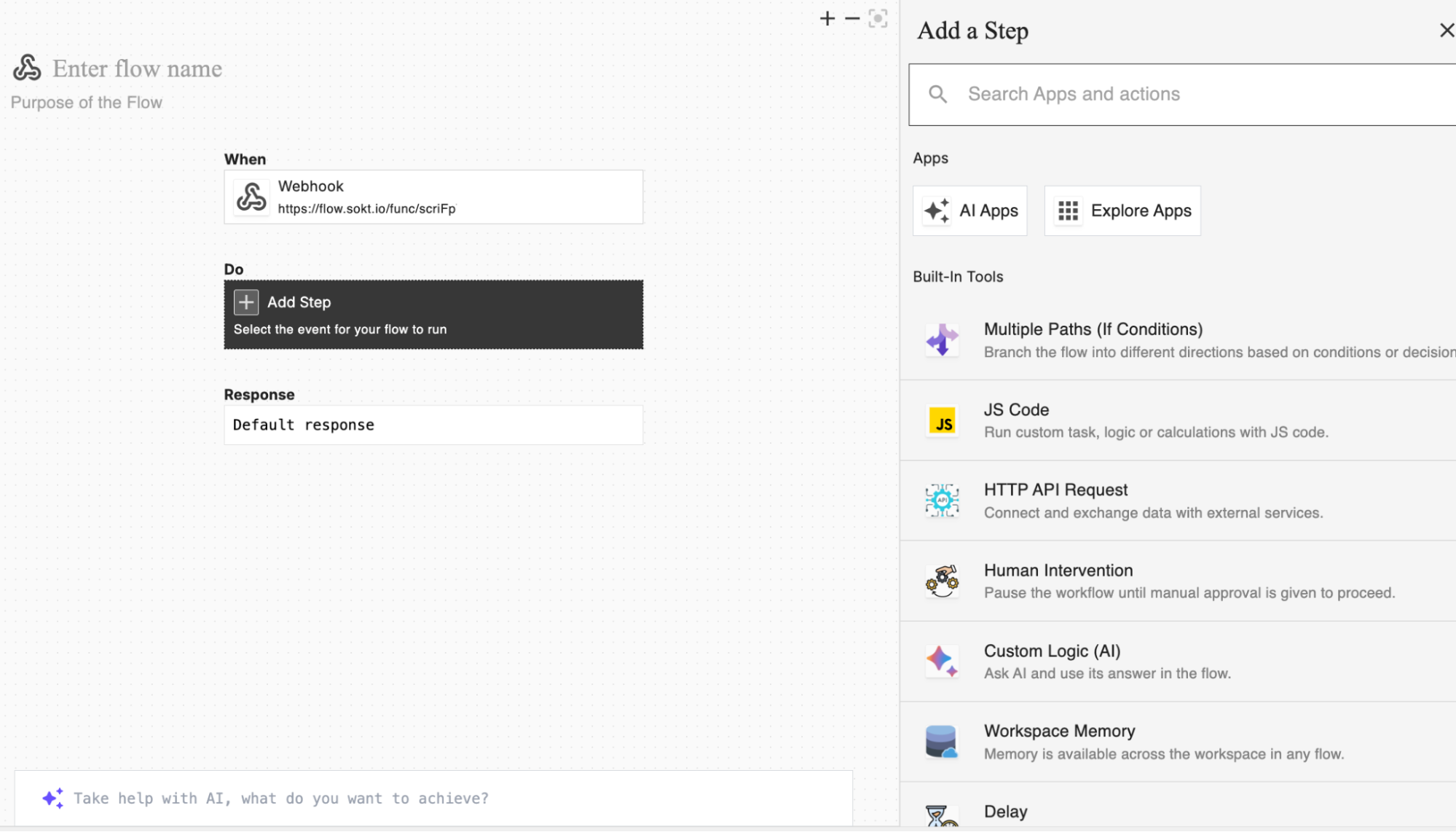
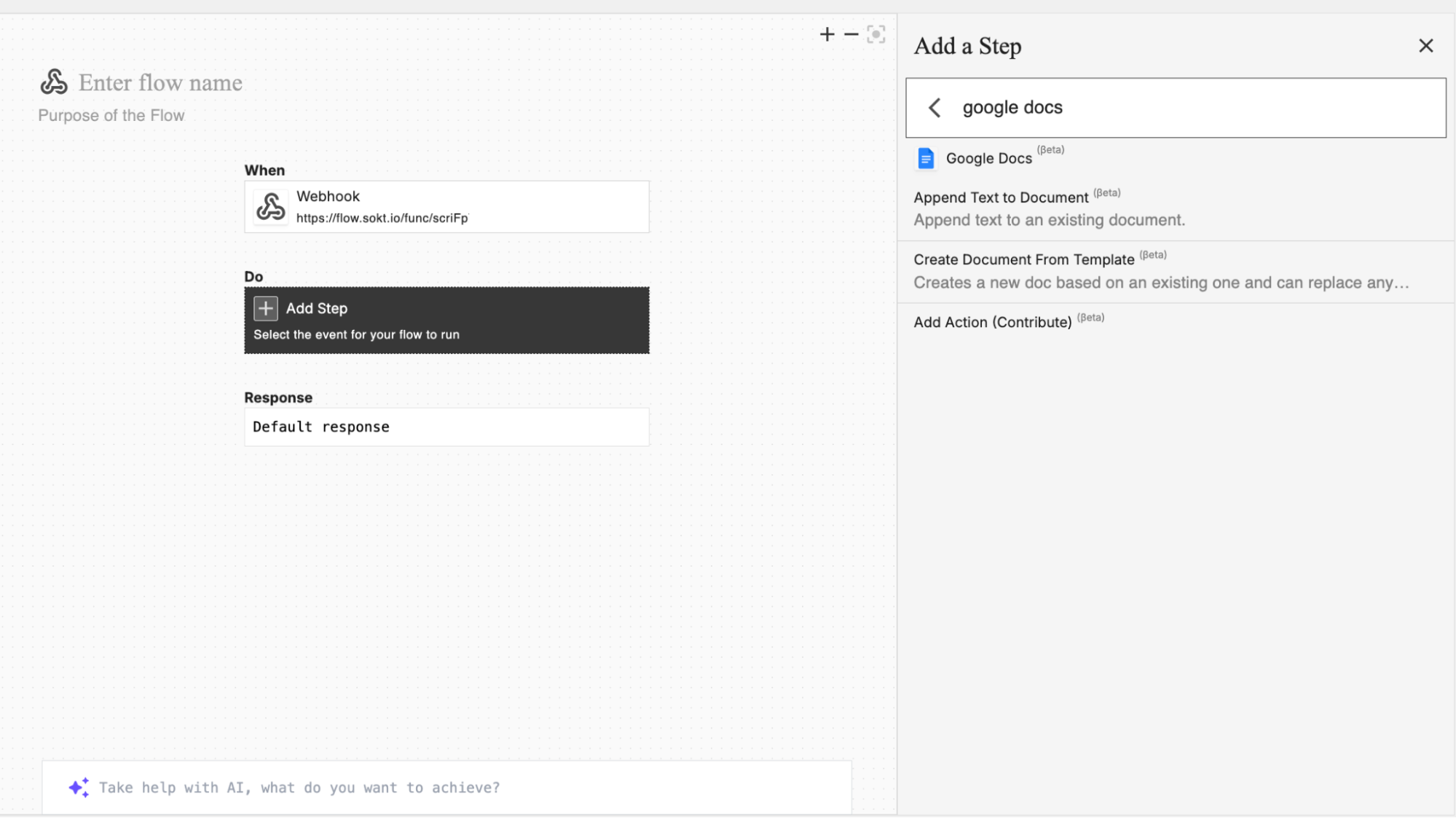
- Choose the Google Docs action: Append Text to Document.
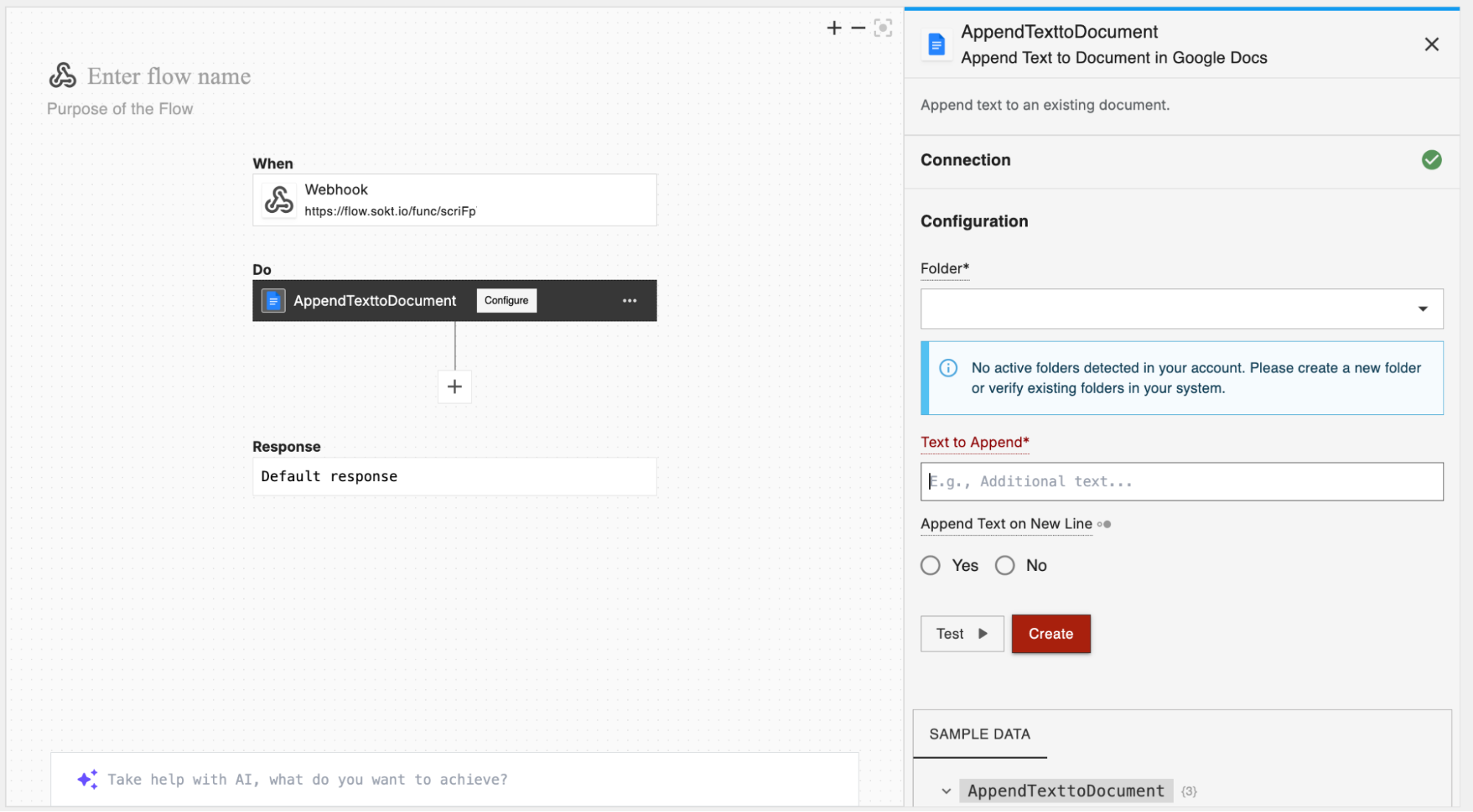
- Establish a connection and configure your action with the required details.
4
Test and publish the flow
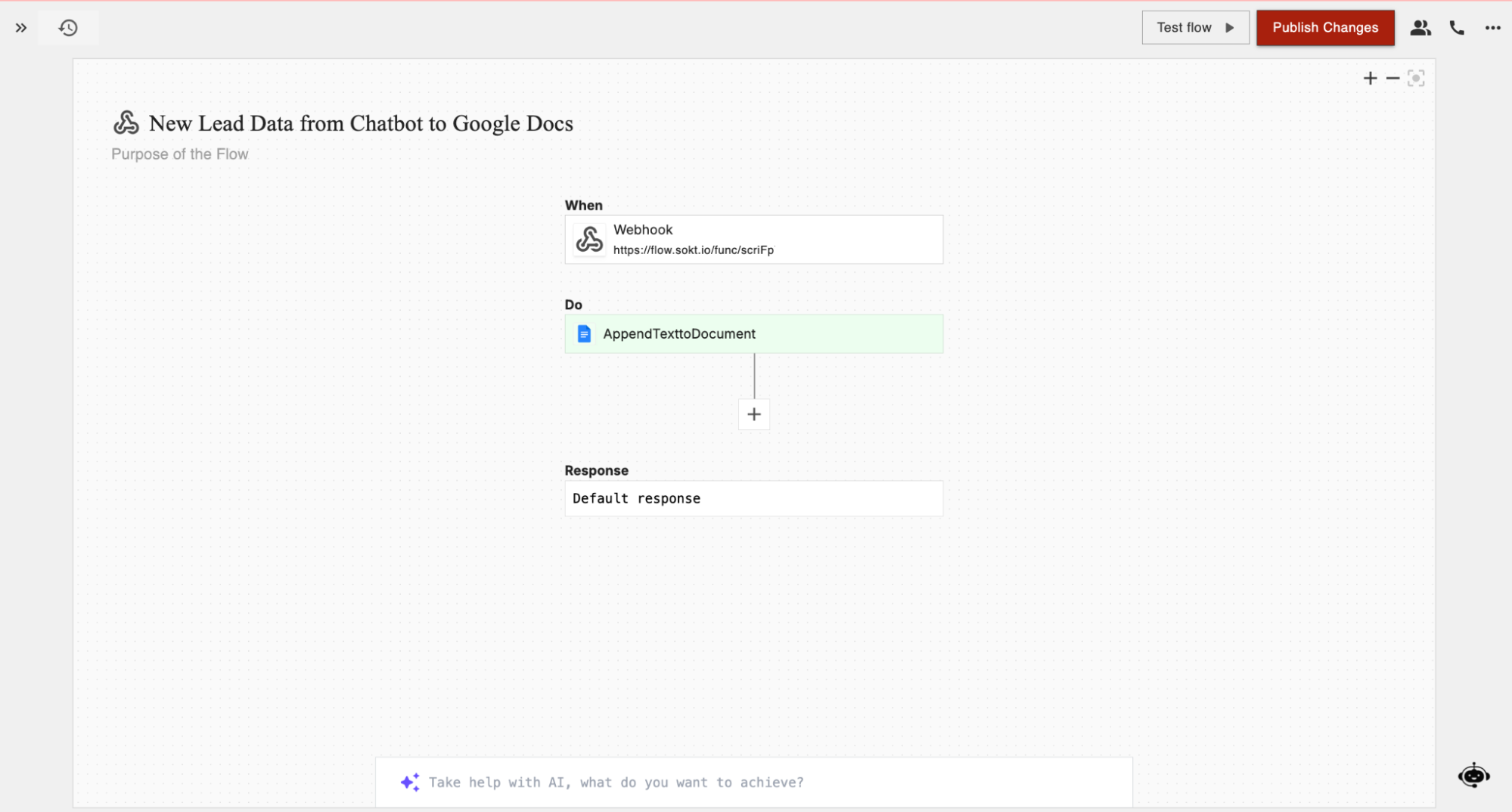
Trigger a lead capture on your site and confirm it’s added to your designated Google Docs file.
Next steps
Webhooks
See every event Chatbase can send, and what each payload contains.
Zapier
An alternative no-code automation platform, with a native Chatbase app.